
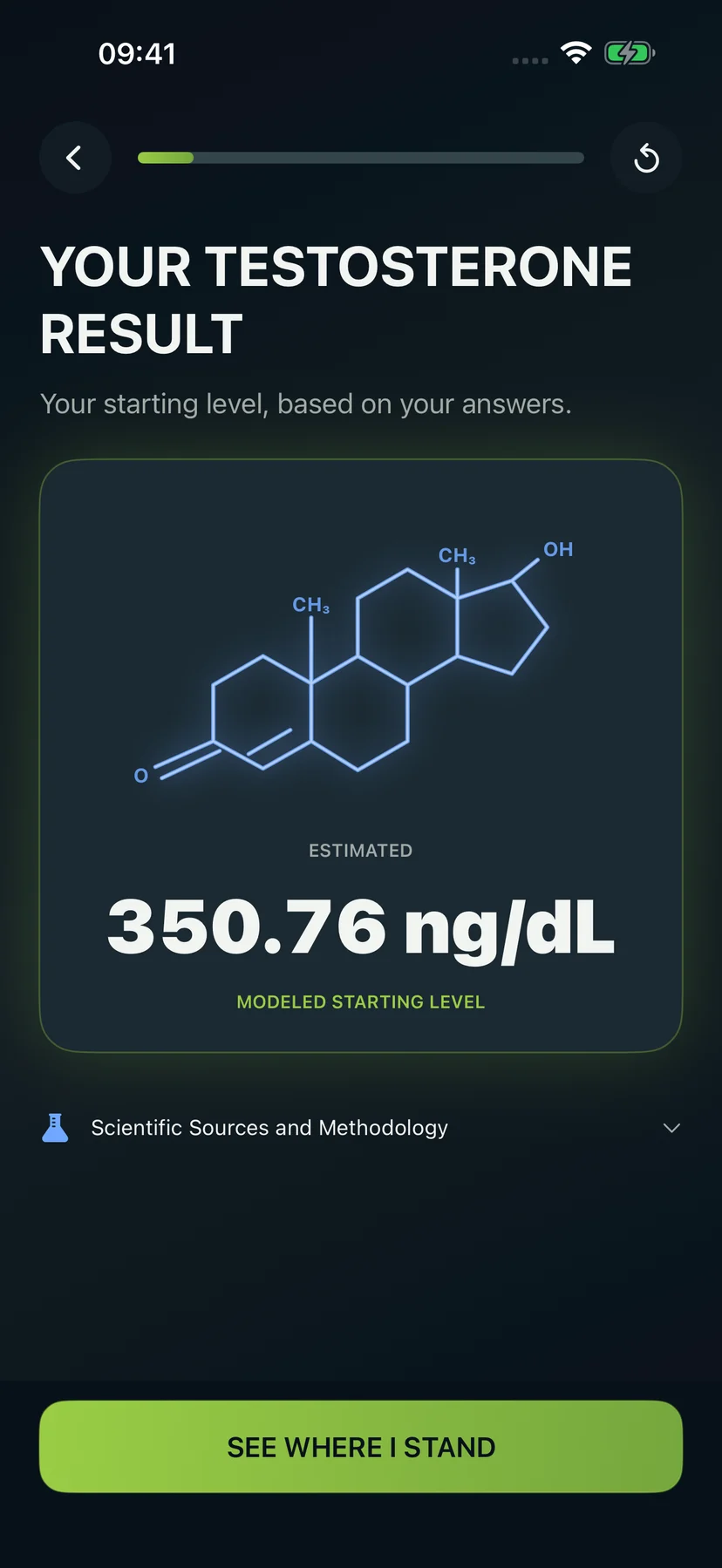
Your fixed starting estimate after the 14-question assessment.
HOW THE APP WORKS
What happens after you download Dr. Testo
Answer 14 questions, see your estimated starting level, get a daily plan, compare future scenarios, and track progress.
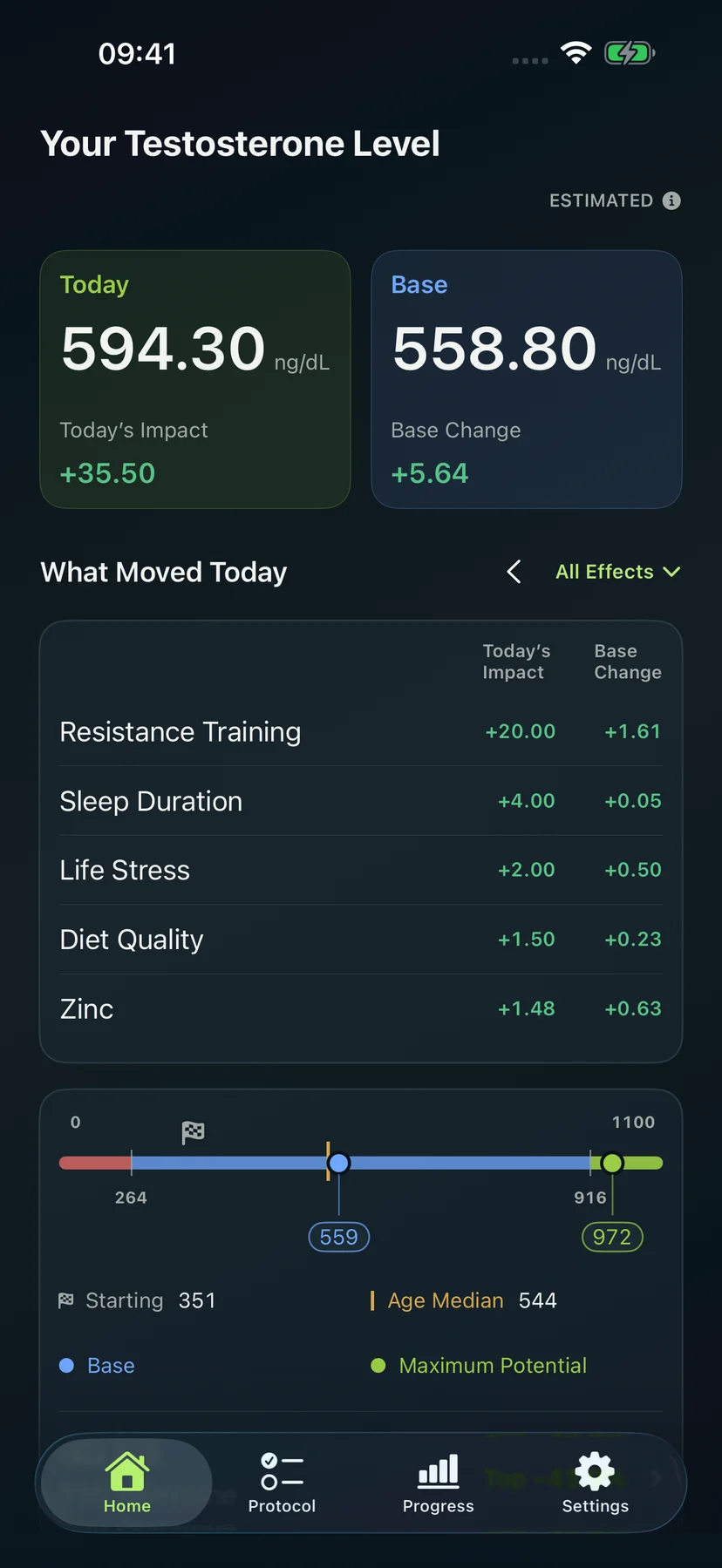
App preview · 1.2.0These screens preview version 1.2.0, currently in App Review. Version 1.1.0 is available now; Apple Watch support is coming with the update.
14questions to get started5Core habits in your plan36Advanced factors to explore365days of projected potential
Inside the Dr. Testo app
From your first estimate to daily progress.
The app guides you through five clear steps.
- 01
Complete the starting assessment
Fourteen questions collect thirteen scored inputs plus date of birth to create the initial modeled position.
- 02
Understand your Starting point
The result is placed in a clear reference context, then fixed as your historical baseline.
- 03
Separate Starting, Base, and Today
Starting preserves where you began. Base follows the longer pattern. Today reflects current acute signals.
- 04
Activate your first protocol
Sleep, resistance training, diet, stress, and body composition form your foundation. Record daily actions in one place; update body composition when a check-in is due.
- 05
Execute in one Protocol surface
Daily and periodic entries open inline. Core actions and selected optimizations remain in the same working view.
- 06
Add curated optimizations deliberately
Browse 36 factors. Each guide explains the evidence, Profile Match, and modeled contribution to your current protocol.
- 07
Compare direction and build history
Protocol Potential shows future scenarios over 30–365 days. Progress records the actual Base trajectory across selectable time ranges.
Your first result
See your level, position, and first plan before daily tracking begins.
The opening flow reveals your Starting estimate, its reference position, your future direction, and the Core actions assigned to your profile. You enter Home already knowing what the app calculated and what to do next.
Your slower-moving level as repeated habits build over time.
Your current daily view after today’s logged actions are applied to Base.
03TodayACUTE
02BaseADAPTIVE
01StartingFIXED
Future potential
See what your plan could change.
Compare your Core protocol with the same plan plus the Advanced optimizations you choose, from Day 30 to Day 365.
Illustrative profileCore + added Advanced ng/dL
D0320 ng/dLD30555 ng/dLD60650 ng/dLD90705 ng/dLD180750 ng/dLD365775 ng/dL
Core protocolCore + added Advanced
The app turns an estimate into something you can act on.
Start with the assigned Core, record what you actually do, add Advanced factors when useful, and compare future potential with the progress you build.
Explore featuresGet Dr. Testo
Download on theApp StoreAvailable now
Dr. Testo is available now for iPhone and iPad. Android is in development.Coming toGoogle PlayAndroid in development